Guides
Everything Haven Zip does, shown step by step with screenshots of the real app.
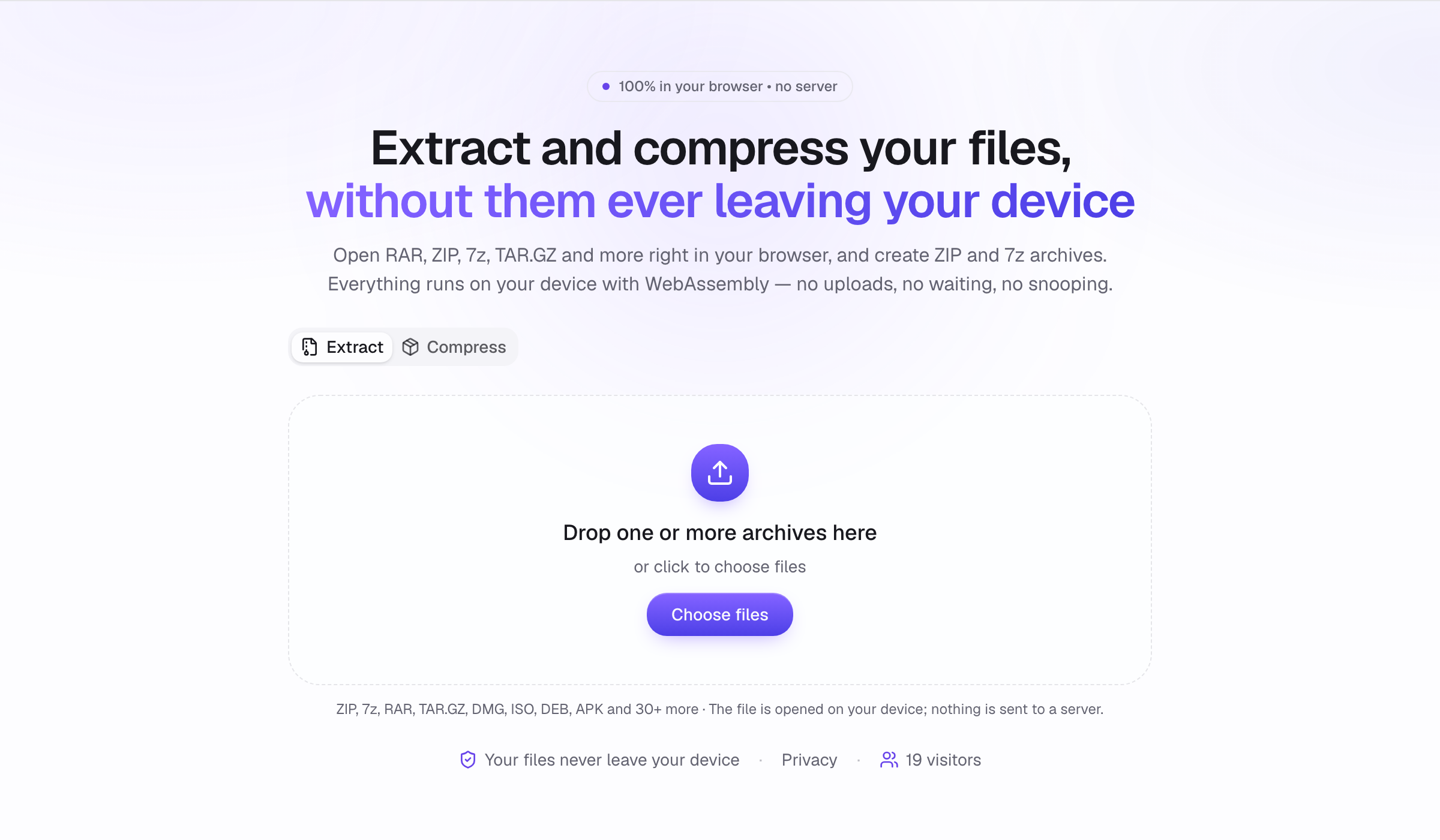
How to open and extract an archive
Open any archive in Haven Zip, browse the files inside, and extract what you need — all on your device, no upload. Step by step with screenshots.
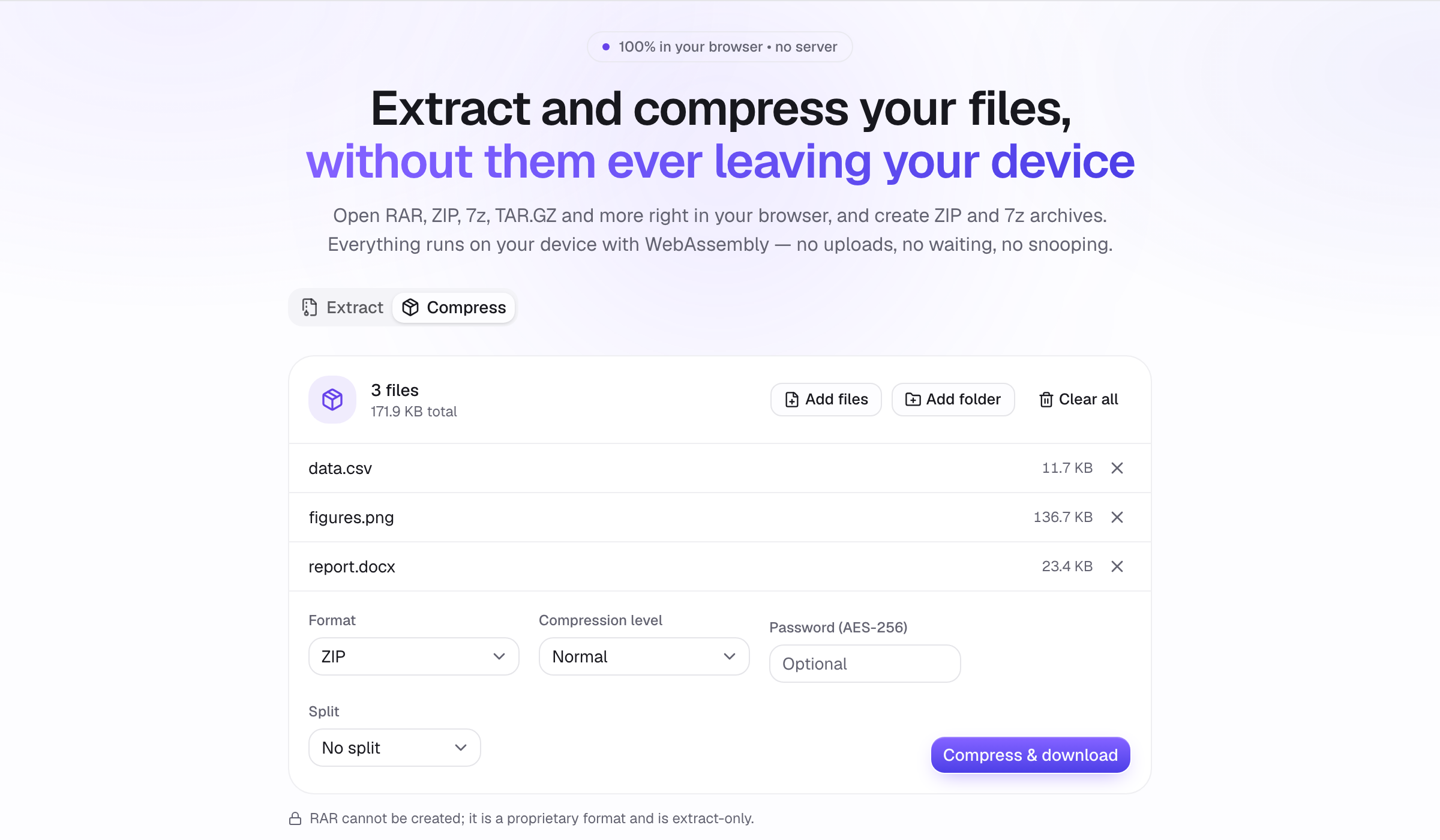
How to create a ZIP or 7z archive
Compress files and folders into ZIP, 7z, TAR.GZ and more in the browser. Pick the level, add an AES-256 password, split into volumes. Step by step.
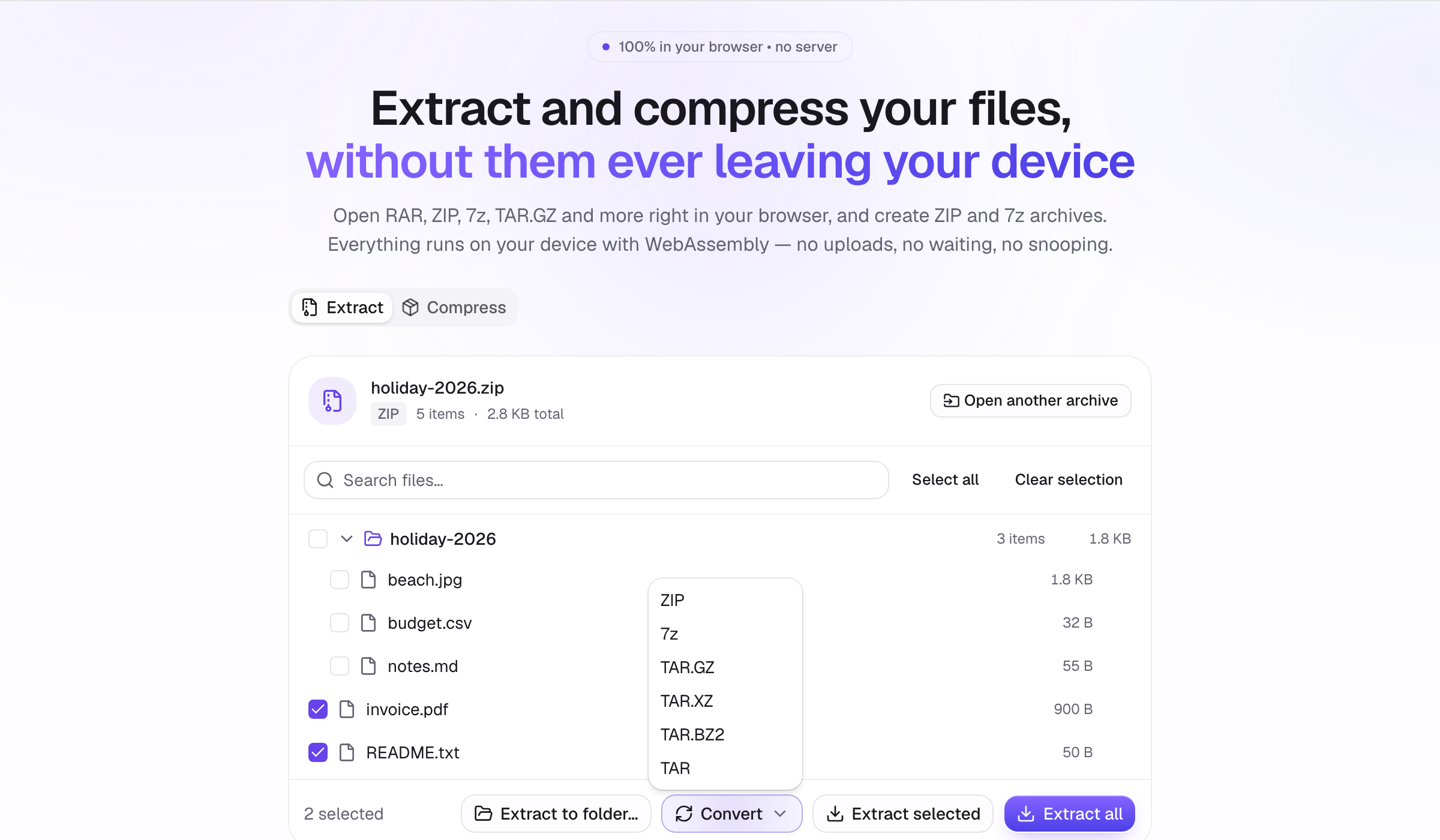
How to convert RAR to ZIP, or any archive to another format
Turn a RAR, 7z, TAR.GZ, ISO or any other archive into ZIP, 7z, TAR.GZ, TAR.XZ, TAR.BZ2 or TAR — entirely in your browser, in one click.
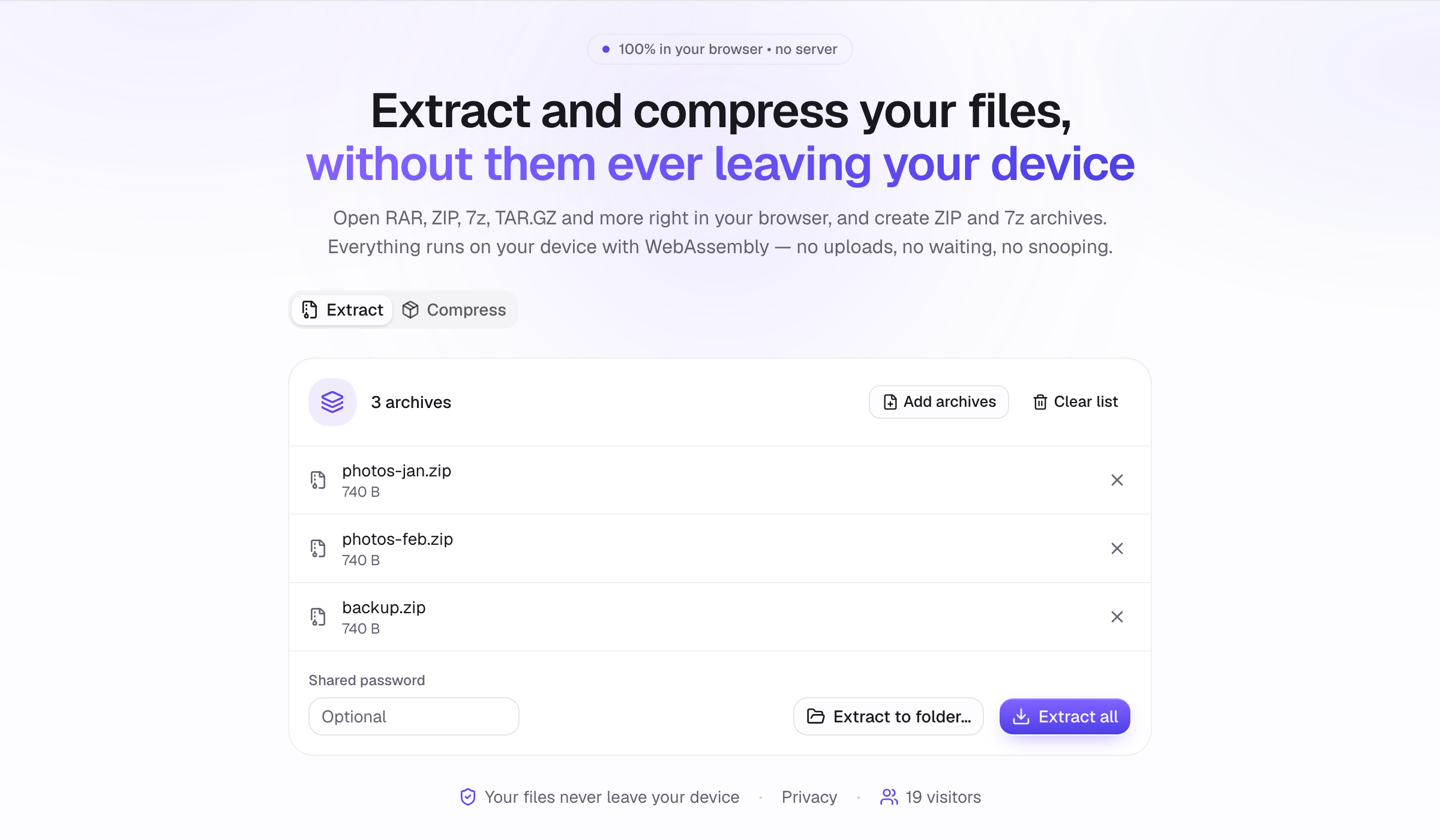
How to extract many archives at once
Queue dozens of ZIP, RAR and 7z files and extract them in one go. Optional shared password, per-archive status, and extraction into one folder.
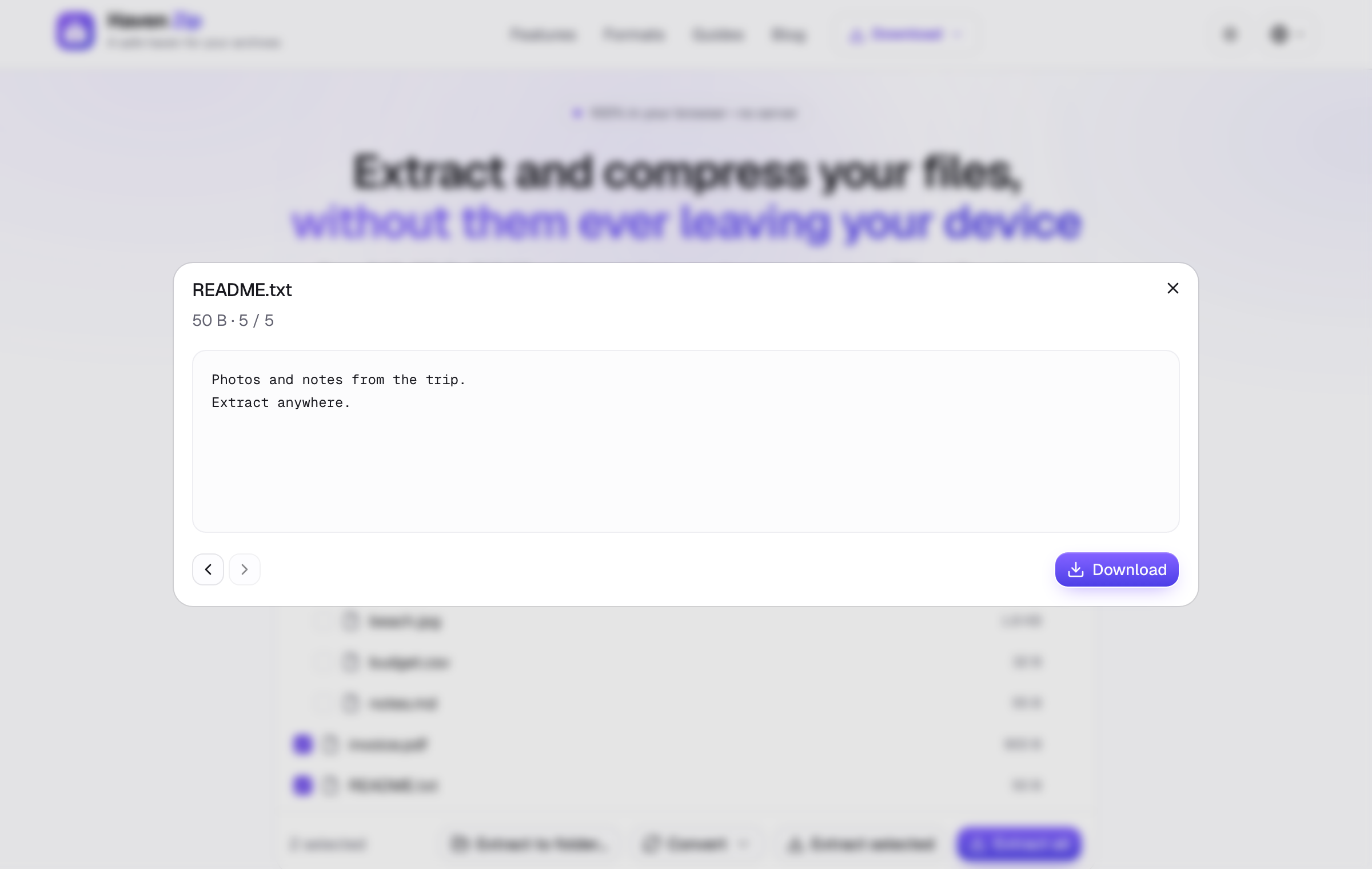
How to preview files inside an archive without extracting
Read text, view images and PDFs, and open nested archives inside a ZIP, RAR or 7z without writing anything to disk. Safer and faster than extracting.
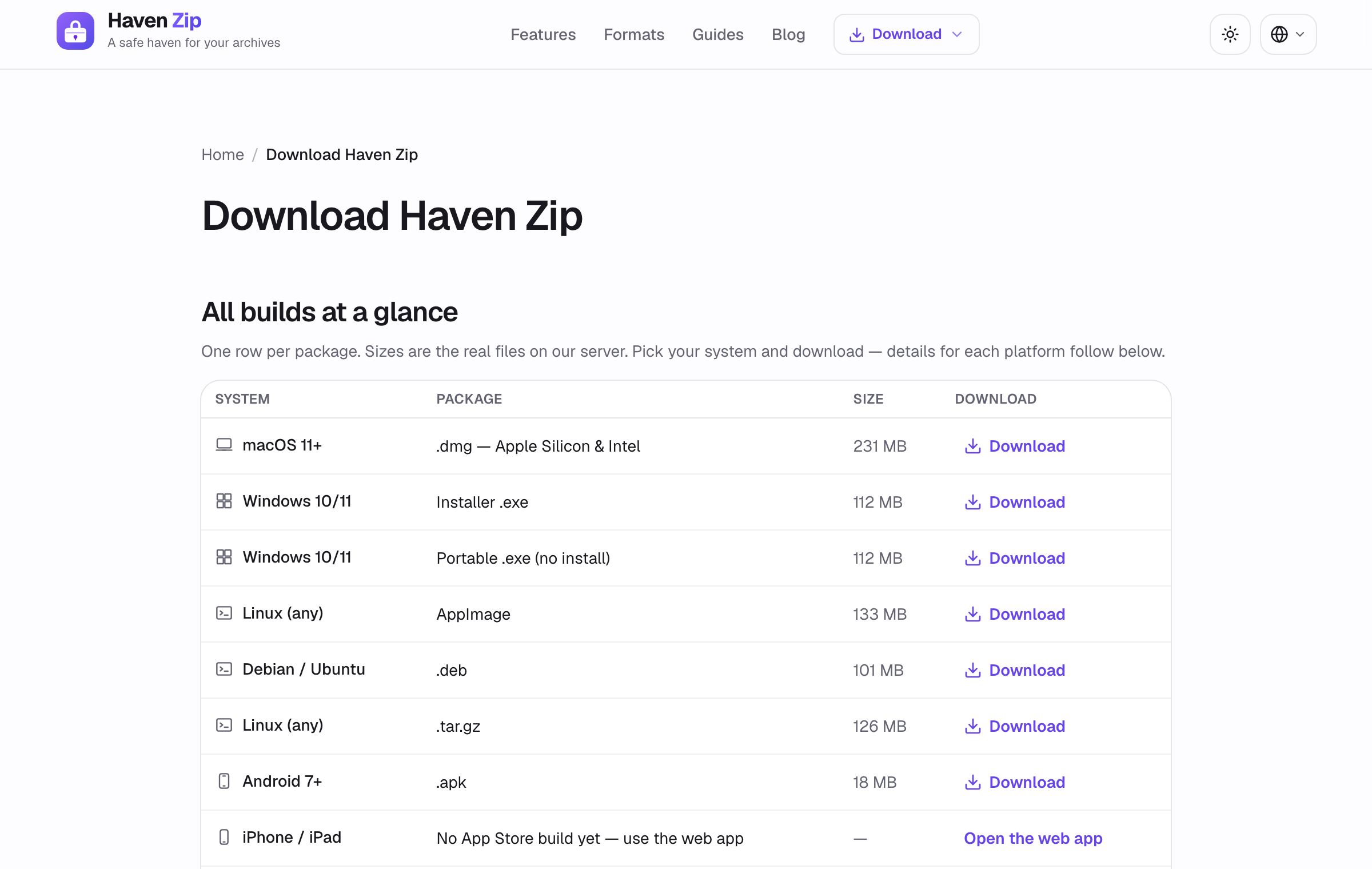
How to install Haven Zip as an app
Haven Zip runs as a website, an installable web app, a desktop app, an Android app and a browser extension. Which to pick and how to install each.